MAX485 vs MAX232 vs CH340G — Which Serial Interface Chip Do You Actually Need?
MAX485 vs MAX232 vs CH340G - Which Serial Interface Chip Do You Actually Need?
This is the comparison that trips up more people than any other, because the honest answer is: these three chips don't compete. They solve three different problems. Picking between them isn't "which is best" - it's "which conversion do I need," and sometimes the answer is more than one of them chained together.
- Getting a PC's USB port to talk to a microcontroller? → CH340G. It converts USB to TTL-level UART.
- Talking to a legacy device with a DB9 serial port? → MAX232. It converts TTL UART to RS-232 voltage levels.
- Running a long cable or a multi-device industrial bus? → MAX485. It converts TTL UART to differential RS-485.
They all carry the same UART data underneath. What differs is purely the electrical layer - the voltages on the wire - and that difference decides how far the signal goes, how many devices can share it, and how well it survives noise.
At a Glance
| Parameter | CH340G | MAX232 | MAX485 |
|---|---|---|---|
| Converts | USB ↔ TTL UART | TTL ↔ RS-232 | TTL ↔ RS-485 |
| Signal Type | USB differential / TTL | Single-ended ±10V | Differential (A/B) |
| Max Distance | USB cable (~5 m) | ~15 m | ~1200 m |
| Max Speed | 2 Mbps (UART side) | 120–250 kbps | 2.5 Mbps |
| Topology | Point-to-point | Point-to-point | Multi-drop (32 nodes) |
| Duplex | Full | Full | Half (2-wire) |
| Noise Immunity | N/A (short) | Moderate | Excellent |
| Supply | 5V (3.3V via V3) | 5V only | 5V |
| 3.3V Variant | CH340C (no crystal) | MAX3232 | MAX3485 |
| Package | SOP-16 | DIP/SOIC-16 | SOIC-8 |
| Typical Job | Program/debug from PC | Legacy DB9 gear | Modbus / industrial bus |
Read across that table and the pattern is clear: distance and device count climb left to right. USB is short and one-to-one. RS-232 stretches to 15 m. RS-485 reaches over a kilometer and hangs 32 devices on one pair. That's the whole story of why all three exist.
The Confusion at the Root of This: Protocol vs Electrical Level
Here's the idea that clears up ninety percent of the questions. Serial communication has two separate layers, and people mix them up constantly:
| Layer | Examples | What It Defines |
|---|---|---|
| Protocol / port | UART, USB, COM port | Data framing: start bit, stop bit, parity, baud rate |
| Electrical standard | TTL, RS-232, RS-485 | The voltages that represent a 1 and a 0 |
RS-232, RS-485, and plain TTL UART all use the same UART protocol underneath - same start/stop bits, same baud rates. The difference is only the voltage on the wire. And that's exactly why you need a converter chip between them: the data format matches, but the electrical levels don't.
The sharpest example: RS-232 uses negative logic. A logic 1 is -3V to -15V; a logic 0 is +3V to +15V - the opposite polarity from TTL, and at swings your MCU pin would never survive. Wire an MCU's UART pin straight to a real RS-232 port and you'll damage the pin. That's the MAX232's entire reason to exist: it translates 5V TTL to those big bipolar RS-232 swings and back, generating the +/-10V from a single 5V rail with an internal charge pump and four capacitors.
CH340G - USB to TTL UART
The CH340G converts a PC's USB into a TTL-level UART your microcontroller can read directly. It's the chip on almost every Arduino clone and cheap "USB-to-serial" dongle. Modern PCs dropped their serial ports years ago, so this is how you get a laptop talking to an MCU for flashing firmware or watching debug output.
What it does not do: it doesn't produce RS-232 or RS-485 voltages. Its output is 5V (or 3.3V) TTL - single-ended, short-range, point-to-point. That limitation is the source of the most common mistake with these three chips (see the chaining section below).
3.3V note: the CH340G needs an external 12 MHz crystal and is a 5V part (it can drive 3.3V logic through its V3 pin with a cap). If you want a crystal-free 3.3V option, the CH340C has the oscillator built in.
MAX232 - TTL to RS-232
The MAX232 bridges your TTL UART to a real RS-232 port - the DB9 connector on old instruments, PLCs, lab gear, and industrial controllers. It has two drivers and two receivers, so it can handle TX/RX plus a hardware handshake pair. Point-to-point only, up to about 15 m, up to ~120 kbps.
The catch that bites people: the plain MAX232 is a 5V-only part. Feed a 3.3V MCU's UART into it and the logic thresholds don't line up cleanly. For any 3.3V design (ESP32, most STM32), use the MAX3232 instead - same function, but it works from 3V to 5.5V. If you're starting fresh, just design in the MAX3232 and skip the voltage headache.
MAX485 - TTL to RS-485
The MAX485 converts TTL UART to differential RS-485: two wires, A and B, where the receiver reads the difference between them. That differential trick is what buys RS-485 its superpowers - over a kilometer of cable, 32 devices on one bus, and strong rejection of the electrical noise that wrecks single-ended signals. It's the physical layer under Modbus RTU and most industrial fieldbuses.
The cost of all that reach is complexity. RS-485 is half-duplex on two wires, so your MCU has to steer direction with the DE/RE pins - high to transmit, low to receive - and get the timing right or it'll miss the reply. You also need 120Ω termination at both ends of the bus and bias resistors to hold the idle state. For a 3.3V MCU, use the MAX3485. (We cover the MAX485's own quirks in depth on its product page.)
The Mistake Everyone Makes: These Chips Chain, They Don't Replace
The single most common misunderstanding, and it shows up on electronics forums constantly: people assume the CH340 can somehow do the MAX232 or MAX485's job. It can't. The CH340 only ever gives you USB-to-TTL. To reach an RS-232 or RS-485 device from a PC, you chain two chips:
| You Have | You Want | Chain |
|---|---|---|
| PC (USB) | MCU (TTL) | CH340G alone |
| PC (USB) | RS-232 device | CH340G → MAX232 |
| PC (USB) | RS-485 bus | CH340G → MAX485 |
| MCU (TTL) | RS-232 device | MAX232 alone |
| MCU (TTL) | RS-485 bus | MAX485 alone |
| MCU (TTL) | MCU (TTL), same board | Direct wire, no chip |
That's why a "USB to RS-485 converter" you buy off the shelf has two chips inside: a USB-UART bridge and an RS-485 transceiver. Now you know exactly what they are.
When to Choose Each
Choose CH340G when:
- You need a PC to talk to a microcontroller over USB
- Flashing firmware or reading debug output from a laptop
- Building a USB-to-serial adapter or an Arduino-style board
- Distance is short (a USB cable) and it's one-to-one
Choose MAX232 (or MAX3232) when:
- You're interfacing with legacy RS-232 equipment (DB9 ports, old PLCs, lab instruments)
- Point-to-point link up to ~15 m
- Full-duplex is needed
- Use the MAX3232 for any 3.3V MCU
Choose MAX485 (or MAX3485) when:
- Long cable runs - up to 1200 m
- Multiple devices on one bus (up to 32 nodes)
- Modbus RTU or other industrial fieldbus
- Noisy electrical environment (motors, industrial floor)
- Use the MAX3485 for any 3.3V MCU
Frequently Asked Questions
Q1: Can the CH340 replace a MAX232 or MAX485?
A: No, and this is the most common misunderstanding about these chips. The CH340 only converts USB to TTL-level UART. It does not output RS-232 or RS-485 voltages. To reach an RS-485 device from a PC, chain a CH340 into a MAX485; to reach an RS-232 device, chain a CH340 into a MAX232. They do different jobs and are used together, not instead of each other.
Q2: Why can't I connect my MCU's UART pin directly to a PC's RS-232 port?
A: Because RS-232 uses negative logic at large voltage swings - a logic 1 is -3V to -15V, a logic 0 is +3V to +15V. That's the opposite polarity from TTL and far outside what an MCU pin can handle. Connecting them directly damages the pin. You need a MAX232 (or MAX3232) in between to translate the levels.
Q3: Which one should I use for a 3.3V MCU like an ESP32 or STM32?
A: Use the 3.3V variants. For RS-232, the MAX3232 works from 3V to 5.5V. For RS-485, the MAX3485 is the 3.3V version of the MAX485. For USB-UART, the CH340G can drive 3.3V logic, or use the crystal-free CH340C. The plain MAX232 and MAX485 are 5V parts and will cause level-mismatch problems on a 3.3V MCU.
Q4: What's the real difference between RS-232 and RS-485?
A: RS-232 is single-ended (one wire per signal, referenced to ground), point-to-point, and reaches about 15 m. RS-485 is differential (two wires, A and B, reading their difference), multi-drop with up to 32 devices, and reaches up to 1200 m with far better noise immunity. RS-485 wins on distance, device count, and noise; RS-232 is simpler and full-duplex.
Q5: Do I need termination resistors with all three?
A: Only RS-485. The MAX485 bus needs a 120Ω resistor at each physical end plus bias resistors to hold the idle state, because its fast differential edges reflect on long cable. CH340G (USB) and MAX232 (short RS-232) don't need termination in normal use.
Q6: How do I build a USB-to-RS-485 converter myself?
A: Chain a CH340G into a MAX485. The CH340G turns USB into TTL UART; the MAX485 turns that TTL into differential RS-485 on the A/B pair. You'll also wire the CH340G's control line (or a spare pin) to the MAX485's DE/RE for direction control, and add 120Ω termination on the bus. That two-chip stack is exactly what commercial USB-to-RS-485 dongles contain.
Q7: Can I put multiple devices on RS-232 like I can on RS-485?
A: No. RS-232 is strictly point-to-point - one driver, one receiver. If you need several devices sharing one line (multi-drop), RS-485 is the only one of these three that supports it natively, up to 32 standard nodes on a single bus.
Q8: Which is best for an industrial environment with lots of electrical noise?
A: RS-485, by a wide margin. Its differential signaling means noise coupled onto both wires cancels out when the receiver takes the difference. That's why RS-485 is the standard for factory floors, motor control, and building automation, while RS-232 and TTL struggle with common-mode noise.
Internal Links
- MAX485ESA - the RS-485 transceiver in this comparison
- CH340G - the USB-to-UART bridge in this comparison
- STM32F103C8T6 - common 3.3V MCU host (pair with MAX3232 / MAX3485)
- AMS1117-3.3 - 3.3V rail for the MCU side
- SS34 - input protection diode for the interface board
Related information
-
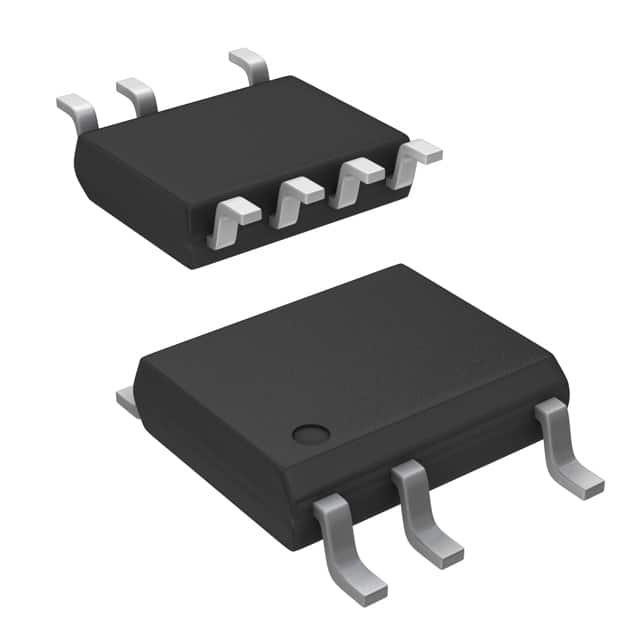
LNK304DN-TL Power Integrations
-
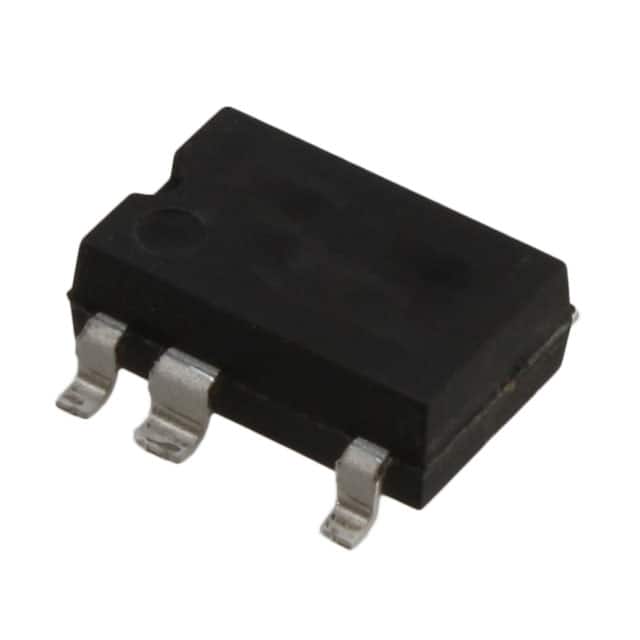
LNK304GN-TL Power Integrations
-
LNK304DG-TL Power Integrations
-
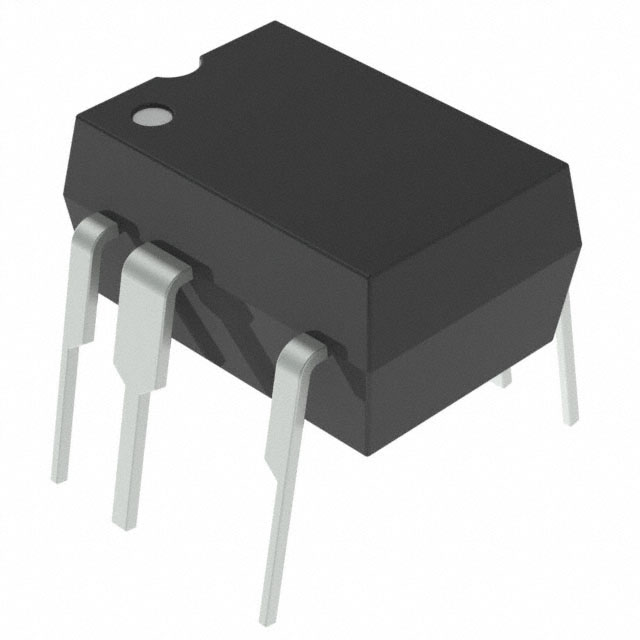
TNY277PN Power Integrations
-
TNY276PN Power Integrations
-
TNY278PN Power Integrations
-
TNY278GN-TL Power Integrations
-
TNY280GN-TL Power Integrations
-
TOP266KG-TL Power Integrations
-
TOP258PN Power Integrations
-
TOP253PN Power Integrations
-
TOP253PNAU Power Integrations

- 1500+ Daily average RFQ Volume

- 20,000.000 Standard Product Unit

- 1800+ Worldwide Manufacturers

- 15,000+ In-stock Warehouse